Data Retrieval
Using ML-Chain Client
ML-Chain Client allows you to pass your Machine Learning model's output seamlessly between different computers, servers, and so on.
After hosting ML-Chain using our server wrapper, we can further enhance communication between developers using ML-Chain Client.
model = Client(api_address='localhost:5000', serializer='json').model(check_status=False)
In this example, we identified to be using the model hosting at "localhost:5000", where the data to be received is serialized in "json". Next, we can perform various function defined on this model, such as:
img = cv2.imread('image.png')

# get model response on image
res = model.image_predict(img)
where "res" will be our response in json.
Http Client:
The default client for ML-Chain at the moment is Http client, which is the standard in many current API servers.
class Client(ClientBase):
    def __init__(self, api_address = None, serializer='json')
This client takes api_address, api_key (in further version), and serializer as it parameters.
Variables:
-
api_address (str): Website URL where the current ML model is hosted
-
serializer (str): 'json', 'msgpack', or 'Msgpackblosc' package types where the ML model data is returned
"..." explain serializers and advantages here.
Using Swagger
After deploy your model to a particular api, you can then also access your API using Swagger.
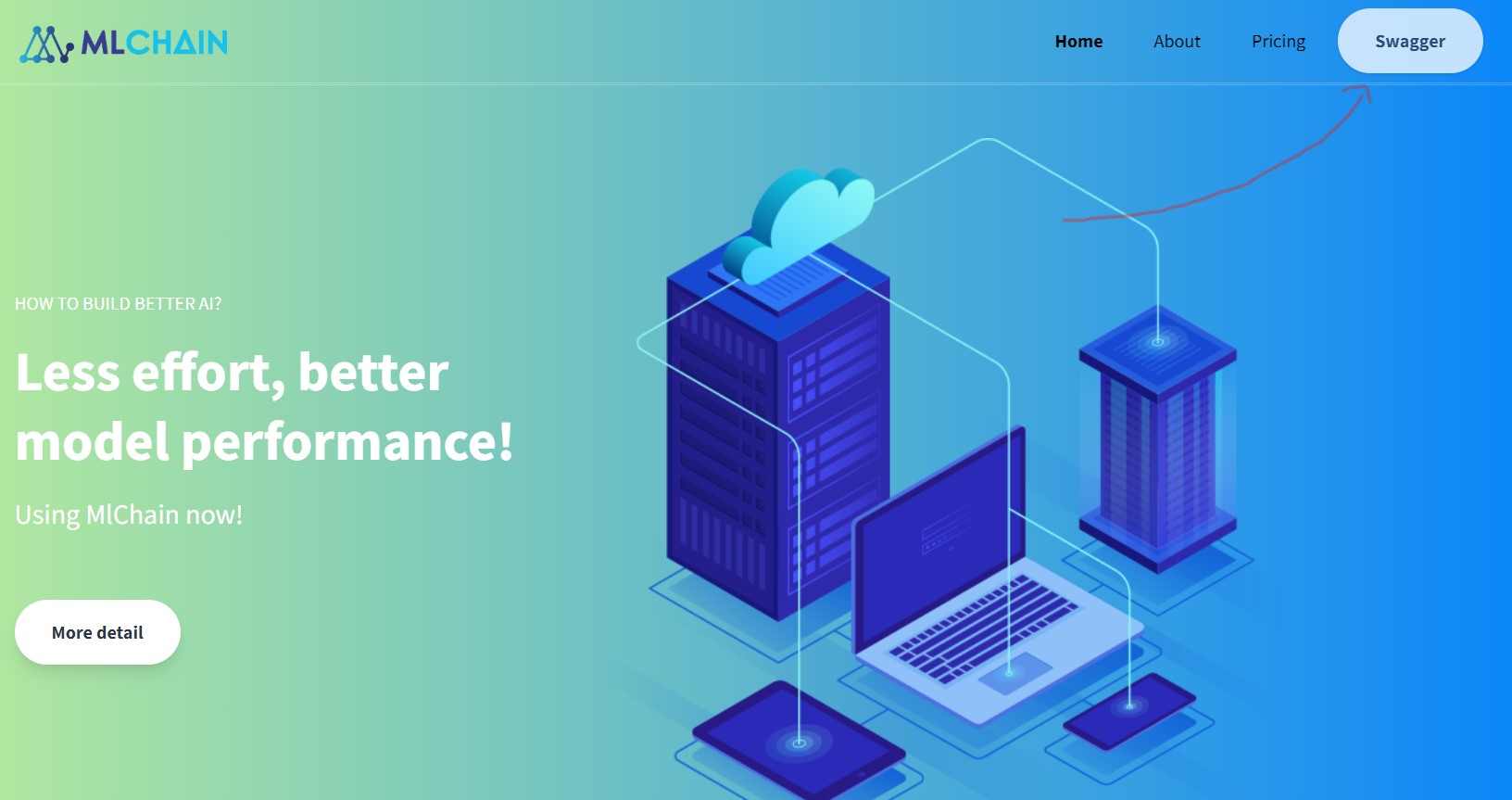
For instance, let's say you deployed your model to https://localhost:5000. Access your app by going to [SWAGGER] on the top left of the page.
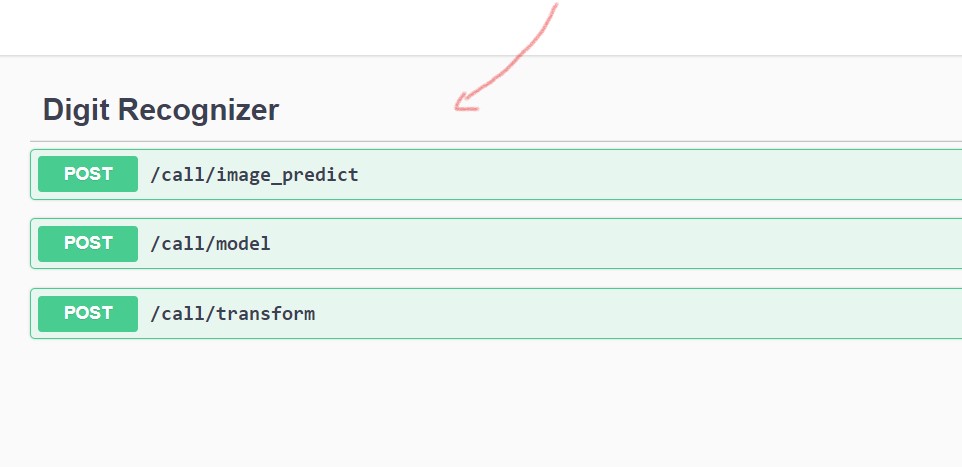
Here you can find all the routing of your app. Click on the function that you wants to try:
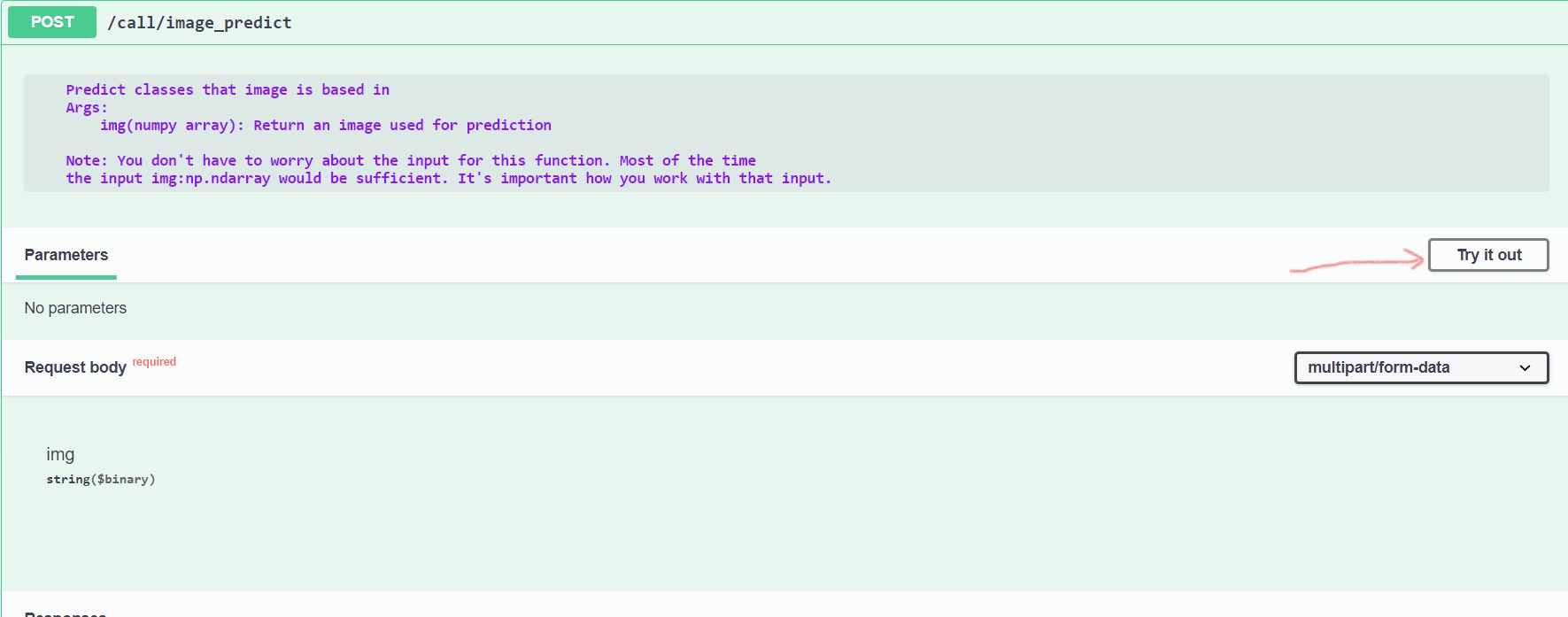
Click try it out:
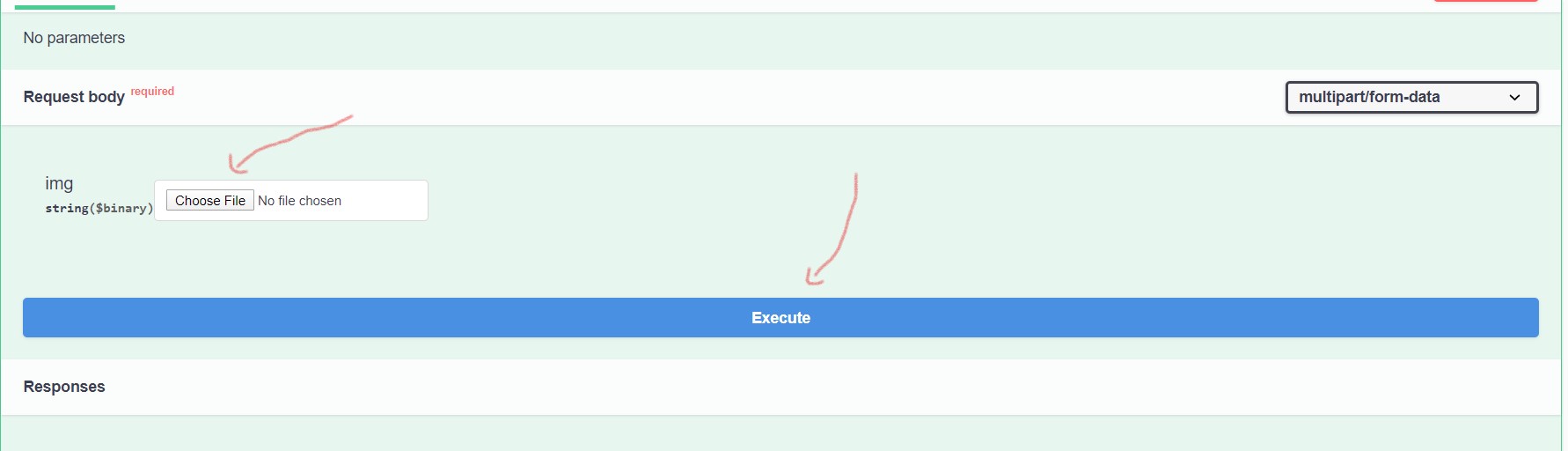
Upload your image:
Test Image:

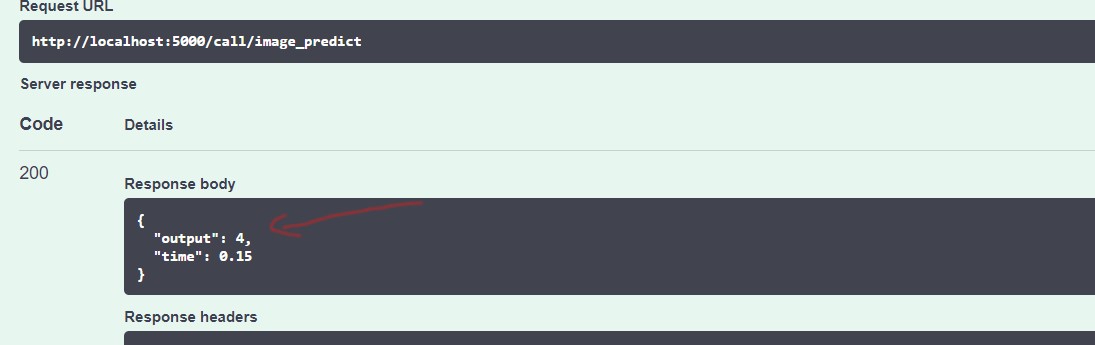
This is our response:
Using CURL
You can also send request to this API using the terminal.
curl -F "img=@19.png" http://localhost:5000/call/image_predict
In the above example, we are having a request to the url http://localhost:5000/call/image_predict, where our input form is our image under variable img (19.png).