Quick Start
Deploy an API
The simplest ML-Chain file (main.py) can look like this:
from mlchain.base import ServeModel
# define model
class Model():
    def __init__(self):
        self.ans = 'Hello World'

    def predict(self):
        return self.ans

# create instance
model = Model()

# deploy it
serve_model = ServeModel(model)
Run the live server:
mlchain run --host 127.0.0.1 --port 5000 main.py
and your api will be deployed on http://127.0.0.1:5000.
Or you can use mlconfig.yml file for more customization
mlchain init
This will create the mlconfig.yml file, which you can customize as you wanted.
After that, run
mlchain run
and your API will be deployed.
Test your API
Access http://127.0.0.1:5000 (or your modified host and port)

Click on Swagger on top right of the page
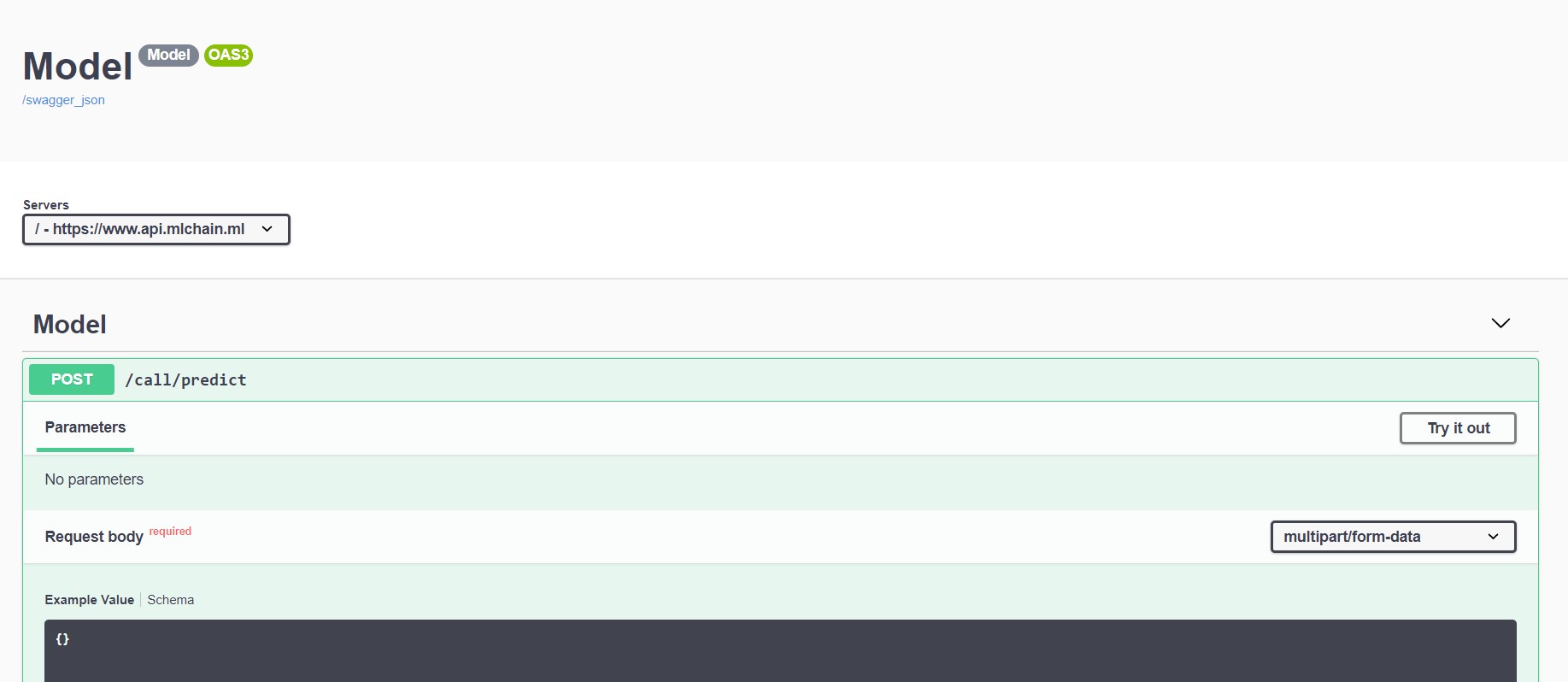
Click "Try It out" and "Execute" to test the program. You will get "Hello World" as the response.
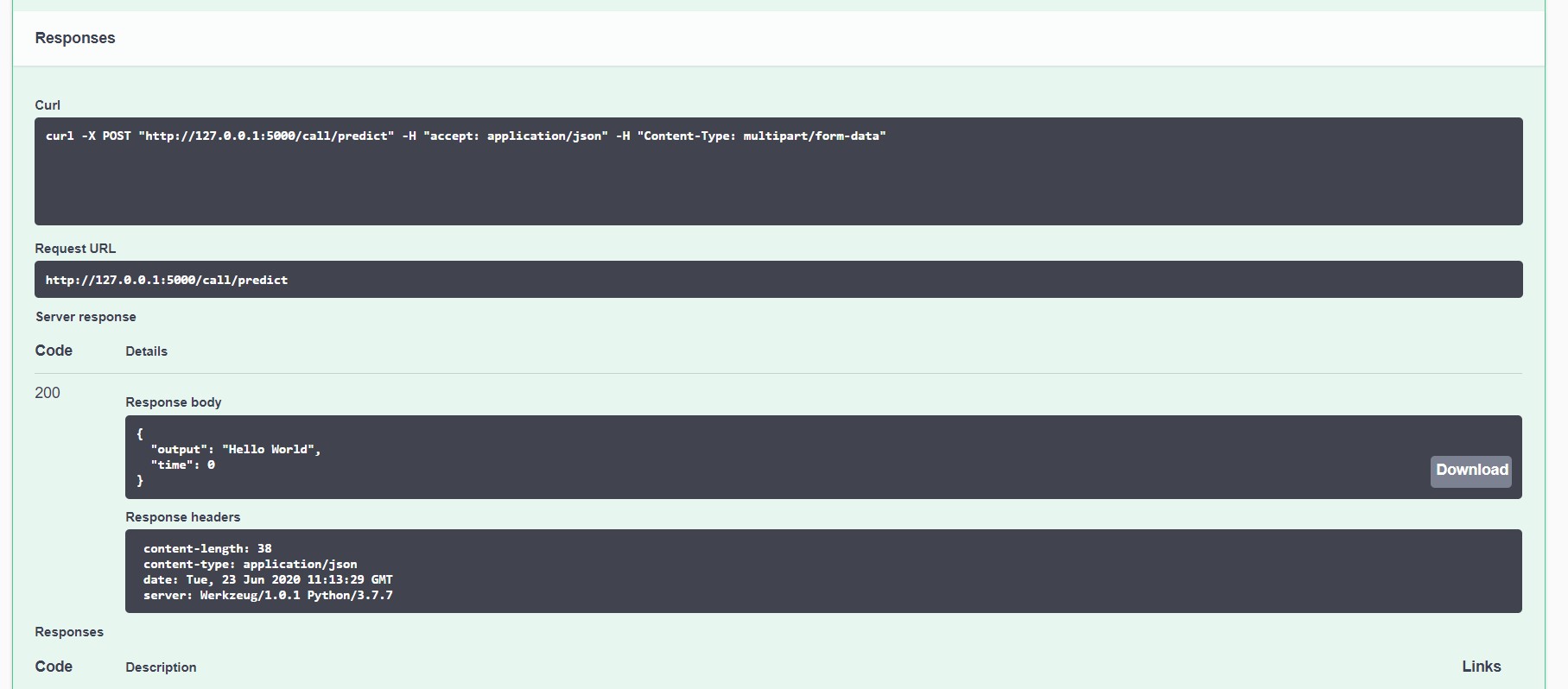
Step by step explaination
First, we import the ServeModel class from ML-Chain
# import our ServeModel function
from mlchain.base import ServeModel
Next, we define our model with its acompanying function. Here, our model simply has to always predict "hello world". In real use cases, our model can take in more complex input, such as an image, and make prediction based on that input.
class Model():
    def __init__(self):
        self.ans = 'Hello World'

    def predict(self):
        return self.ans

# create instance
model = Model()
Deploy our model. Here, our ServeModel function takes in our model and deploy it.
# deploy it
serve_model = ServeModel(model)
Our terminal code include the identification that we are running mlchain, along with parameters including our host (127.0.0.1), our port (5000), and the file to run (main.py)
mlchain run --host 127.0.0.1 --port 5000 main.py